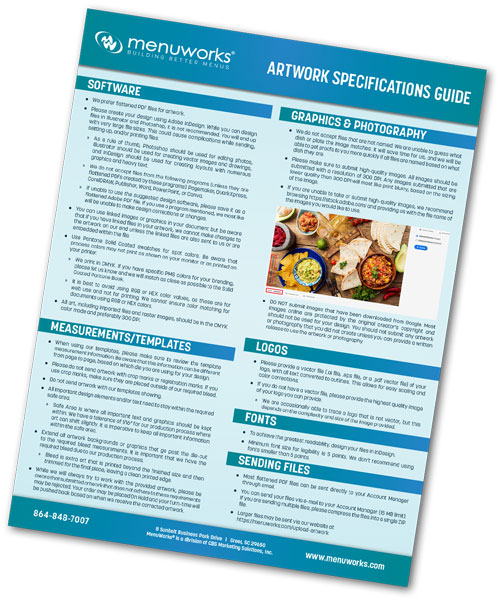
Artwork Specifications
Properly prepared artwork helps ensure your restaurant menus print with crisp images, accurate colors, and a professional appearance. To help you achieve the best possible results, MenuWorks provides clear artwork guidelines for all menu products.
Use these specifications to help prevent production delays, unexpected color shifts, blurry images, missing fonts, and other common artwork issues. Requirements may vary by product or die, so always review the measurements included with your MenuWorks template.
- Flattened PDF files are preferred for submitted artwork.
- Adobe InDesign is recommended for layouts containing multiple graphics and substantial text.
- Use Photoshop for photo editing and Illustrator for vector images and drawings.
- Files created in PageMaker, QuarkXPress, CorelDRAW, Publisher, Word, PowerPoint, or Canva should be supplied as flattened PDFs.
- If linked images or graphics are used, include the linked files or embed them so corrections can be made if needed.
- When artwork is supplied as a flattened PDF, MenuWorks may be unable to make design corrections or changes.
- Build artwork, imported graphics, and raster images in CMYK color mode.
- Raster images should preferably be 300 DPI at the size they will be printed.
- Use Pantone Solid Coated swatches for spot colors.
- Avoid RGB and HEX color values, which are intended for screen use and may appear different on a final print.
- If your brand uses specific PMS colors, provide those values so MenuWorks can match them as closely as possible to the Solid Coated Pantone Book.
- Review all measurement information on the supplied template. Requirements may differ by page and die.
- Do not submit artwork with the MenuWorks template visible.
- Do not include crop or registration marks. If crop marks are unavoidable, place them outside the required bleed.
- Keep all important text and graphics inside the designated safe area.
- Safe area: The area where important text and graphics should remain. Artwork can shift slightly during production, with a tolerance of approximately 1/16 inch.
- Extend backgrounds and graphics that run to the edge through the full required bleed.
- Bleed: Extra artwork that extends beyond the finished size and is trimmed away to create a clean printed edge.
- Artwork that does not meet these requirements may be rejected or placed on hold, which can extend the order turn time until corrected files are received.
- For maximum readability and layout control, create text-heavy files in Adobe InDesign.
- The minimum recommended font size is 5 points.
- Avoid using fonts smaller than 5 points, as they may not reproduce legibly.
- Provide logos as vector artwork whenever possible, such as AI, EPS, or vector PDF.
- Convert all logo text to outlines to allow clean scaling and color adjustments.
- If vector artwork is unavailable, submit the highest-resolution logo image available.
- Some non-vector logos may be traceable, depending on image size and complexity.
- Name every image clearly according to the menu item or dish it represents.
- Submit high-quality photographs at 300 DPI whenever possible.
- Low-resolution images may print blurry, especially when enlarged.
- If professional images are not available, select licensed stock photography and provide the image file name.
- Do not submit images downloaded from Google or other online sources unless you own the image or can provide written permission to use it.
- Upload larger files through the MenuWorks artwork upload page.
- Compress multiple files into one ZIP folder before sending.
Click here to download Artwork Specifications.